The Beebeeb CLI just got its biggest update in a while. bb push uploads several chunks at once, Linux machines get real backups with bb backup, and you can finally see what a transfer is doing while it runs.
1. Faster uploads, same memory
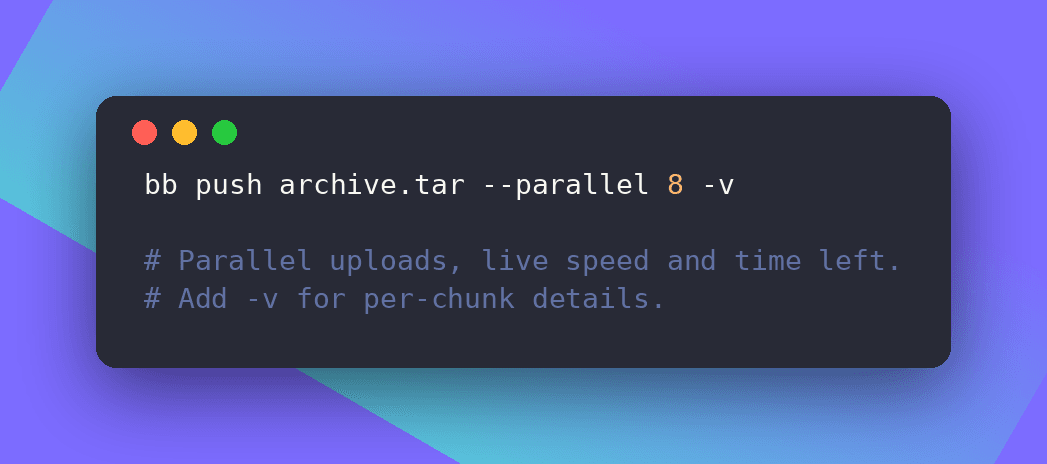
bb push now sends up to 4 chunks of a file at the same time. You can set it anywhere from 1 to 8 with --parallel N.
We didn't want speed to cost you RAM. Every chunk is counted against a single 640 MiB upload buffer, so no setting uses more memory than 0.15.0 did at its worst. The default uses up to 512 MiB.
If you hit a rate limit or a busy storage pool, the whole push pauses once instead of every chunk retrying on its own. Ctrl-C stops everything cleanly, and running the same command again picks up where it left off.
2. Backups for Linux
bb backup backs up folders from a Linux machine into your Backups folder:
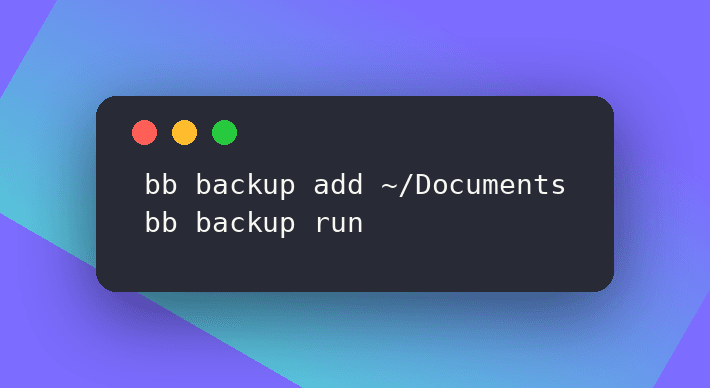
New and changed files are encrypted on your machine before they leave it, the same as with bb push. A changed file becomes a new version. A file that changes while it's uploading isn't saved, so you never end up with a copy that's half old and half new.
The output only shows counts and folder names, never file names or paths, so it's safe to keep in your logs. The README has a systemd timer that runs it every hour.
Backups are protected on both sides. The CLI and the server both refuse to add, rename, move or delete things inside Backups by accident, and deleting a device's backup always asks first.
macOS and Windows aren't supported yet.
3. See what's happening
While a push runs you now see one live line: a progress bar, bytes done, the current speed in Mbps and the time left. Add -v to also see chunks in flight, retries, and which country your file is stored in (Germany or Finland).
4. Push the same folder twice, safely
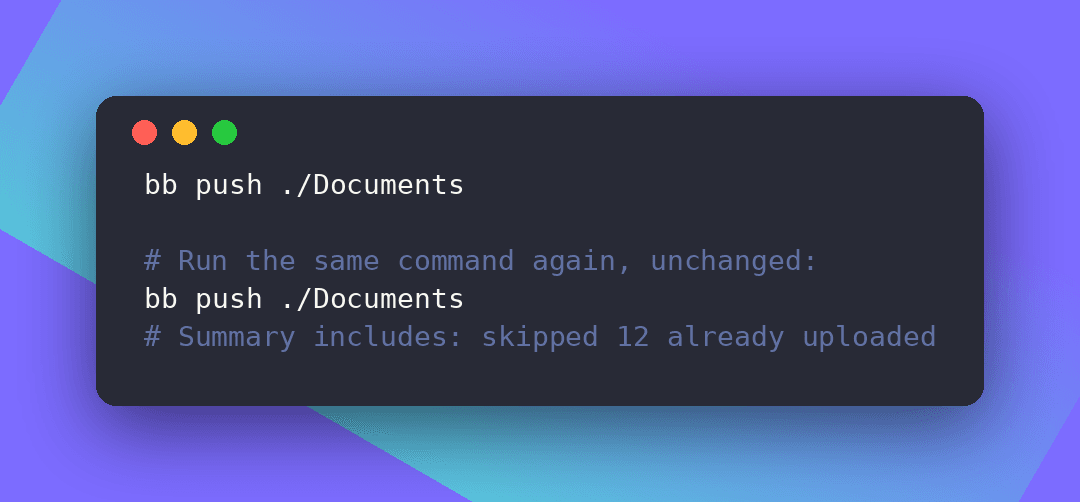
Running bb push on the same folder again now reuses the folder that's already there instead of creating a duplicate. Files this machine already uploaded unchanged are skipped.
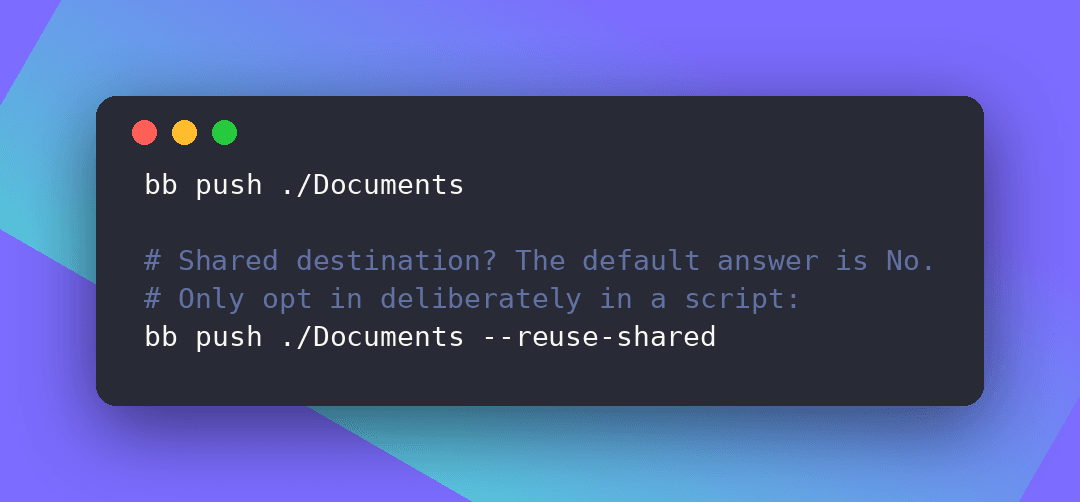
If that folder is shared with other people or through links, bb push asks before uploading into it, and in scripts it refuses unless you pass --reuse-shared. When the CLI can't tell who can see a folder, it treats it as shared. We'd rather ask than guess.
5. Tested before you got it
1,216 tests passed in CI, run against the real bb binary. A security review of the folder-push changes found 3 blocking problems, and a review of bb backup found issues in its safety paths. All of them are fixed in this release, and each fix has a test that fails if it's undone.
6. Heads up for scripts
- A push into a same-name shared folder now exits 2 without a terminal, unless you pass
--reuse-shared. - An unchanged re-push now exits 0 and skips the file.
bb rm -fnow only skips the trash prompt. Use--yesto answer every question.bb sync,bb mount,bb webdav,bb repairandbb restoredon't check the Backups rule yet, so don't use them to change files inside Backups for now.
7. Update
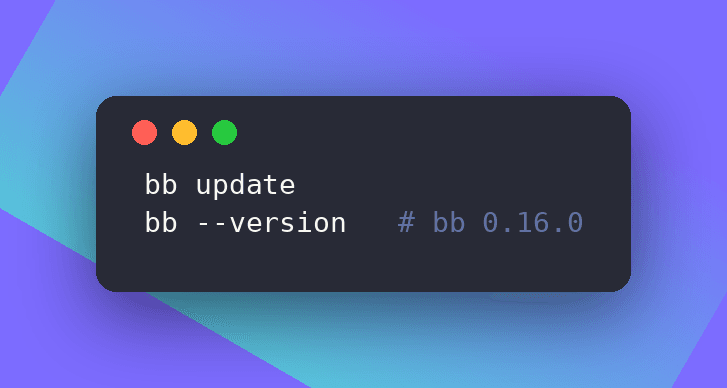
Or use brew upgrade beebeeb-io/tap/bb or scoop update bb. New installs can run curl -fsSL https://get.beebeeb.io | sh. If bb sync is running, restart it after updating.
Full release notes are on GitHub.